Records
DNS records
DNS records map domain names to IP addresses, mail servers and other destinations. Learn about each record type and when to use it.
On this page10 sections
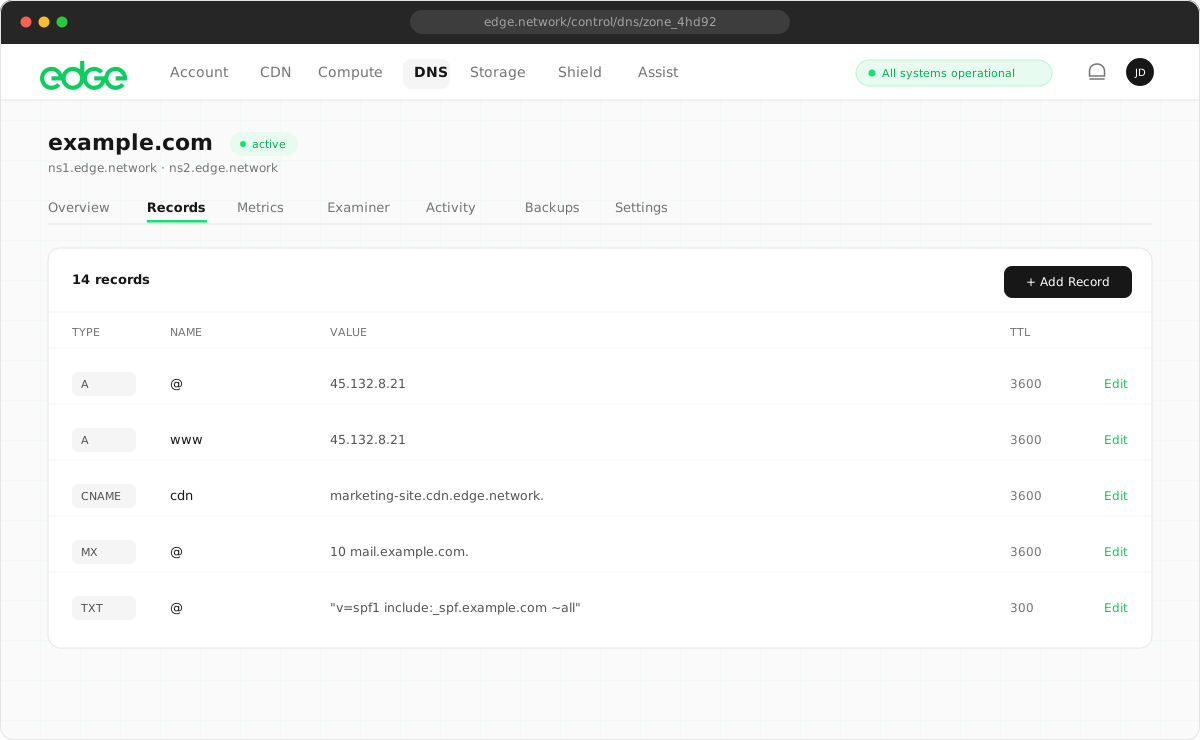
A record (IPv4 address)#
Maps a domain name to an IPv4 address. This is the most common record type, used to point your domain to a web server.
Example:
| Name | TTL | Data |
|---|---|---|
@ |
300 |
185.199.108.153 |
AAAA record (IPv6 address)#
Maps a domain name to an IPv6 address. Use it alongside A records for dual-stack connectivity.
Example:
| Name | TTL | Data |
|---|---|---|
@ |
300 |
2606:4700:3033::ac43:b4a7 |
CNAME record (canonical name)#
Creates an alias from one domain to another. The browser follows the CNAME to find the actual IP address.
Example:
| Name | TTL | Data |
|---|---|---|
www |
300 |
example.com |
ALIAS record#
An Edge-specific record that works like a CNAME but can be used at the zone apex. Perfect for pointing your root domain to a load balancer, CDN or another hostname.
Example:
| Name | TTL | Data |
|---|---|---|
@ |
300 |
cdn.edge.network |
ALIAS records are resolved at query time: Edge DNS looks up the target hostname and returns the IP addresses directly to the client.
MX record (mail exchange)#
Specifies the mail servers responsible for receiving email for your domain. MX records include a priority value. Lower numbers have higher priority.
Example (Google Workspace):
| Priority | Name | Data |
|---|---|---|
| 1 | @ |
aspmx.l.google.com |
| 5 | @ |
alt1.aspmx.l.google.com |
| 5 | @ |
alt2.aspmx.l.google.com |
TXT record (text)#
Stores arbitrary text data. Commonly used for domain verification, SPF, DKIM and DMARC.
- SPF record (email authentication):
v=spf1 include:_spf.google.com ~all - Domain verification:
google-site-verification=abc123... - DMARC policy:
v=DMARC1; p=quarantine; rua=mailto:dmarc@example.com
CAA record (Certification Authority Authorization)#
Specifies which certificate authorities (CAs) are allowed to issue SSL certificates for your domain. Helps prevent unauthorised certificate issuance.
Example:
@ CAA 0 issue "letsencrypt.org"
@ CAA 0 issuewild "letsencrypt.org"
@ CAA 0 iodef "mailto:security@example.com"SRV record (service)#
Specifies the location of services like SIP, XMPP or LDAP. Includes priority, weight, port and target hostname.
Format:
_service._protocol.name TTL SRV priority weight port targetExample (SIP):
_sip._tcp.example.com 300 SRV 10 60 5060 sip.example.comBest practices#
- Use appropriate TTLs: use lower TTLs (60–300s) for frequently changing records and higher TTLs (3600–86400s) for stable records to reduce DNS lookups.
- Always add both A and AAAA: if your server supports IPv6, add both record types for the best connectivity.
- Configure email authentication: set up SPF, DKIM and DMARC TXT records to prevent email spoofing.
- Add CAA records: restrict which CAs can issue certificates to improve security.
Next steps
Something unclear or out of date? Tell us