Account & support
Security
Protect your infrastructure with enterprise-grade security features.
On this page3 sections
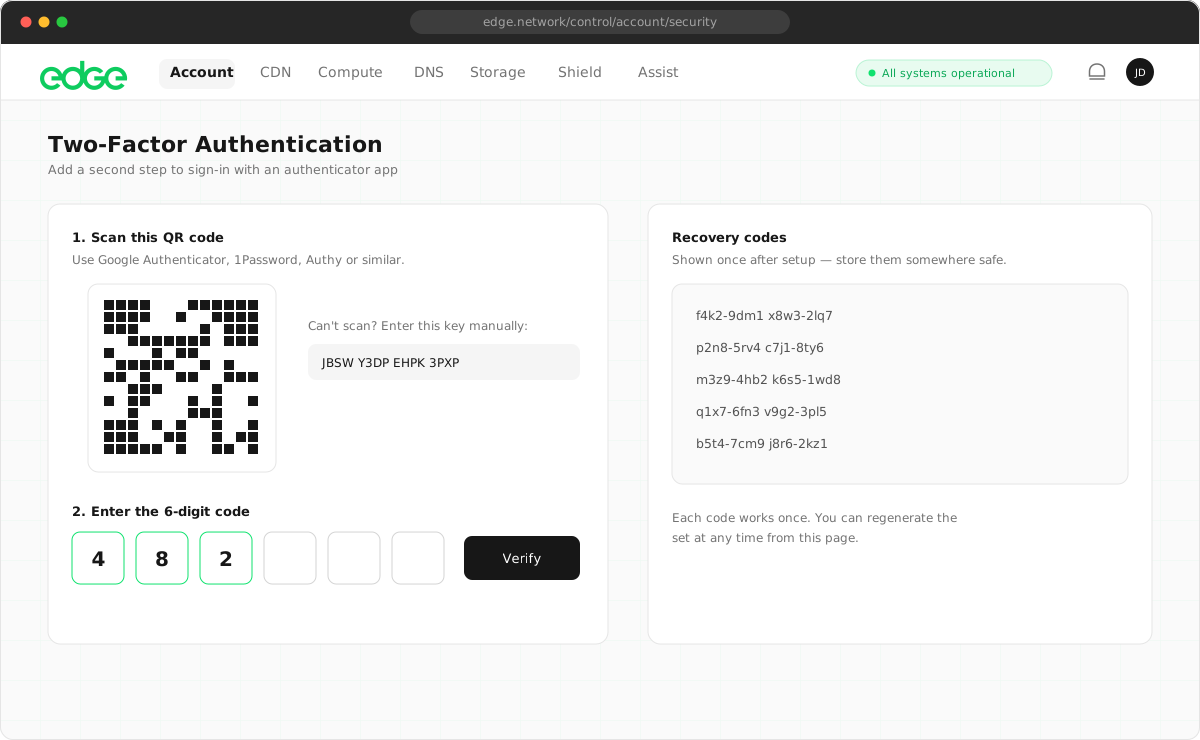
Edge Network provides comprehensive security features to protect your account and meet compliance requirements. From multi-factor authentication to detailed audit trails, you have the tools to secure your infrastructure and demonstrate compliance to auditors and stakeholders.
Security features#
- Multi-factor authentication: Protect your account with TOTP-based two-factor authentication. Compatible with Google Authenticator, Authy, 1Password and other authenticator apps. See Two-factor authentication.
- Session management: View and manage all active sessions. Revoke access from any device, anywhere, at any time.
- Comprehensive audit trail: Every action is logged with timestamps, IP addresses and user context. Essential for SOC 2, ISO 27001 and other compliance frameworks. See Audit log.
- OAuth integration: Sign in with Google or GitHub for passwordless authentication while still benefiting from 2FA protection.
- Role-based access control: Assign team members specific roles (Owner, Admin, Developer, Viewer) to control what they can access and modify. Learn more about teams.
Enterprise and compliance#
Our security features are designed with enterprise requirements in mind. They cover startups preparing for a first SOC 2 audit as well as enterprises with mature security practices.
Getting started#
We recommend enabling all security features for maximum protection:
- Enable two-factor authentication for your account.
- Review your activity log regularly.
- Manage active sessions and revoke any you don’t recognise.
- Use role-based access to limit team member permissions.
Something unclear or out of date? Tell us