Configuration
CDN configuration
Fine-tune your CDN behaviour with presets, caching rules and image optimisation settings.
On this page8 sections
Configuration presets#
Start with a preset optimised for your use case, then customise as needed.
- Static Website: long cache times for assets, short for HTML. Perfect for blogs, marketing sites and documentation.
- E-commerce: optimised for product catalogues with frequent updates. Caches images aggressively, bypasses cart/checkout.
- Media & Streaming: large file handling with long TTLs. Ideal for video platforms, podcasts and file downloads.
- API Gateway: minimal caching with origin pass-through. Good for APIs that need the CDN’s global network without caching.
- Custom: full control with JSON configuration. Define your own caching rules and image optimisation settings.
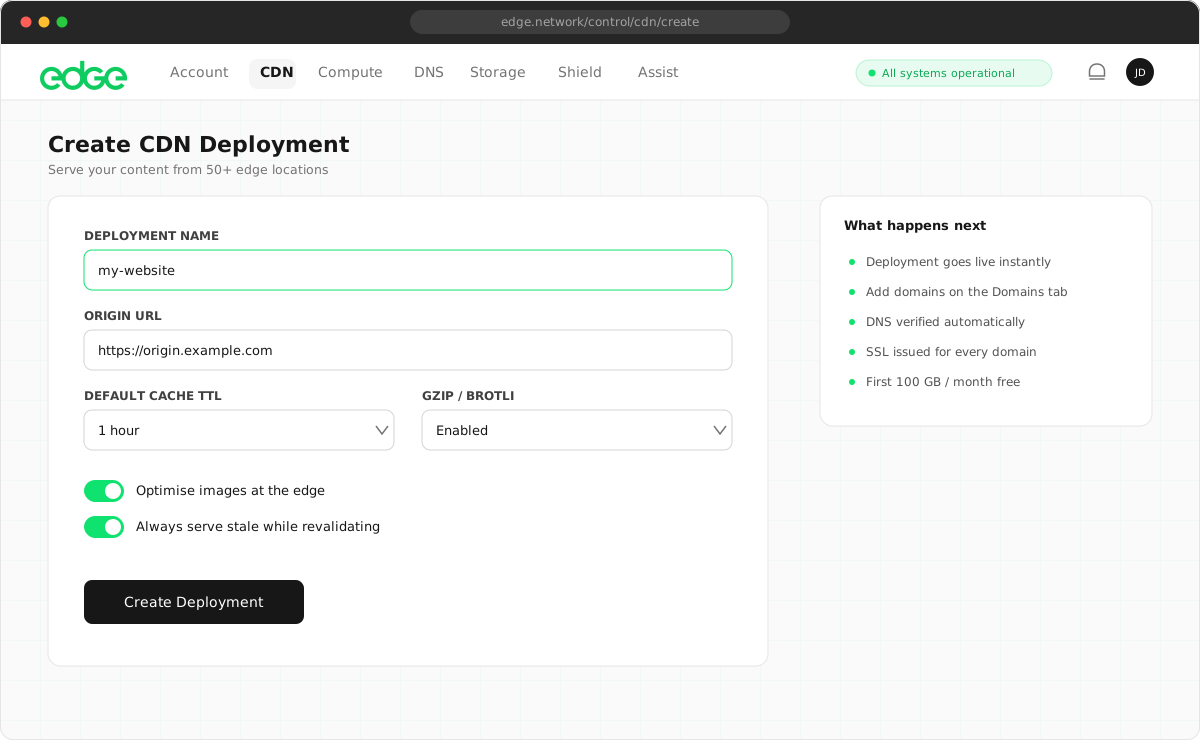
Custom configuration#
For advanced use cases, you can define custom rules using JSON. Switch to Advanced (JSON) mode in the Configuration tab.
JSON
{
  "caching": {
    "defaultTtl": 86400,
    "respectOriginHeaders": true,
    "rules": [
      { "path": "/static/**", "ttl": 31536000 },
      { "path": "/api/**", "bypassCache": true },
      { "path": "/assets/*.css", "ttl": 604800 }
    ]
  },
  "imageOptimization": {
    "enabled": true,
    "defaultQuality": 85,
    "defaultFormat": "auto",
    "rules": [
      { "path": "/thumbnails/**", "quality": 70, "maxWidth": 400 },
      { "path": "/hero/**", "quality": 90, "format": "avif" }
    ]
  }
}
Caching rules#
Define path-based rules to control how different content is cached.
| Property | Type | Description |
|---|---|---|
path |
string | Path pattern to match (supports * and ** wildcards) |
ttl |
number | Cache duration in seconds |
bypassCache |
boolean | Skip caching entirely for matched paths |
ignoreQueryString |
boolean | Cache without considering query parameters |
Path patterns#
Use glob-style patterns to match paths:
*: matches any characters except/**: matches any characters including/
Text
# Match all files in /static/ and subdirectories
/static/**

# Match only .jpg files in /images/
/images/*.jpg

# Match a specific path
/assets/logo.png

# Match all API routes
/api/**
Image optimisation settings#
Configure default image optimisation behaviour and path-specific rules.
| Property | Type | Description |
|---|---|---|
enabled |
boolean | Enable/disable image optimisation entirely |
defaultQuality |
number (1–100) | Default compression quality for images |
defaultFormat |
string | Default output format: auto, webp, avif, jpeg, png |
Image optimisation rules#
Override image optimisation settings for specific paths:
| Property | Type | Description |
|---|---|---|
path |
string | Path pattern to match |
quality |
number | Override compression quality |
format |
string | Override output format |
maxWidth |
number | Maximum width in pixels |
Simple vs advanced mode#
Simple mode#
Use form controls to set basic options:
- Default cache TTL
- Enable/disable image optimisation
- Default quality and format
Advanced mode#
Full JSON configuration for:
- Path-based caching rules
- Cache bypass for specific paths
- Per-path image optimisation rules
Next steps
Something unclear or out of date? Tell us