Caching
Cache configuration
Understand how Edge CDN caches your content and tune cache behaviour for the best performance.
On this page8 sections
How caching works#
When a request comes in, Edge CDN first checks whether the content is in the cache:
- The request arrives.
- The edge cache is checked.
- The content is served from cache or fetched from origin.
- Cache hit: the content is in cache and still valid. It is served directly from the edge node in milliseconds.
- Cache miss: the content is not in cache. It is fetched from origin, cached, then served to the user.
Response headers#
Edge CDN adds headers to help you debug cache behaviour:
HTTP/2 200
content-type: image/jpeg
x-cache: HIT
x-cache-hits: 47
x-edge-location: eu-west-1
cache-control: public, max-age=31536000
age: 3600x-cache: whether the request was aHIT(served from cache) orMISS(fetched from origin)x-cache-hits: number of times this item has been served from this edge nodex-edge-location: the edge node that served the requestage: how long the item has been in cache (in seconds)
Cache TTL (time to live)#
Cache TTL determines how long content stays in the cache before being refreshed from origin.
Recommended TTLs by content type#
| Content type | Recommended TTL | Cache-Control header |
|---|---|---|
| Images (versioned) | 1 year | public, max-age=31536000, immutable |
| CSS/JS (versioned) | 1 year | public, max-age=31536000, immutable |
| Images (non-versioned) | 1 day | public, max-age=86400 |
| HTML pages | 5 minutes | public, max-age=300 |
| API responses | No cache | private, no-cache |
What gets cached#
By default, Edge CDN caches responses that:
- Return a
200 OKstatus code - Have a cacheable
Cache-Controlheader - Are
GETorHEADrequests
Content that is not cached#
- Responses with
Cache-Control: no-storeorprivate POST,PUTandDELETErequests- Responses with
Set-Cookieheaders - Error responses (4xx, 5xx)
Pause cache (proxy mode)#
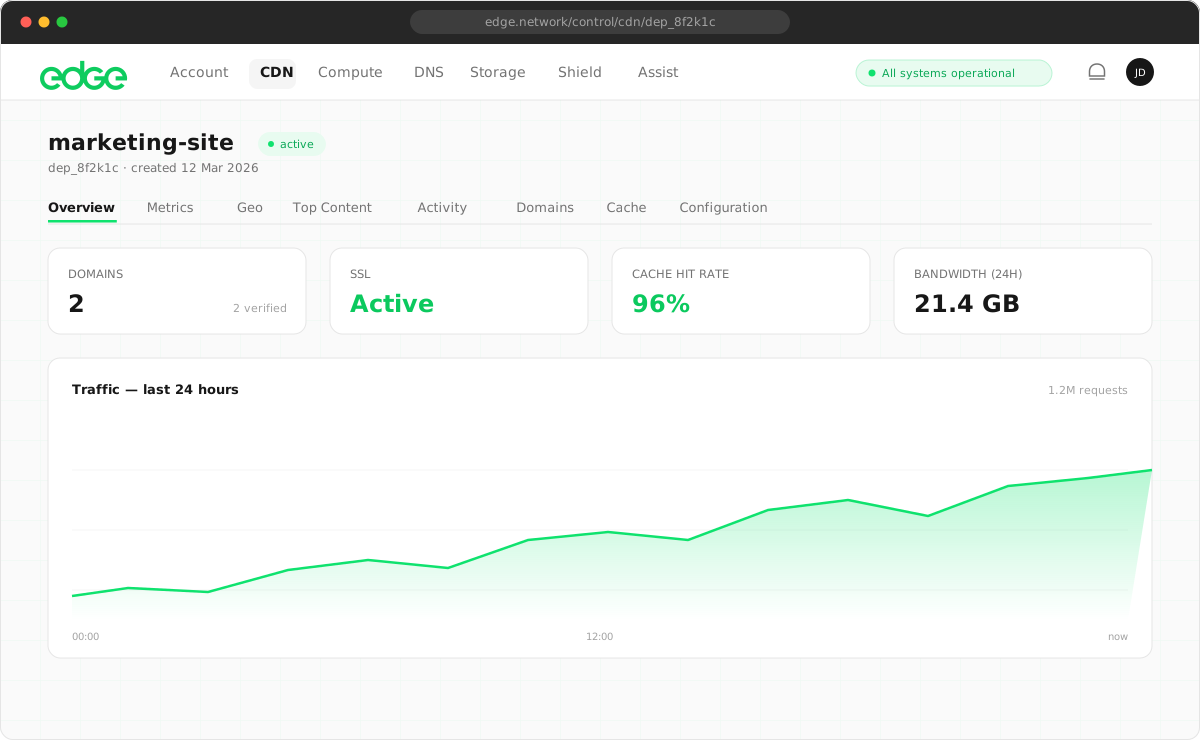
During development or debugging, you may want to temporarily bypass caching and have all requests go directly to your origin. The Pause Cache feature puts your CDN deployment into proxy mode.
How to pause cache#
You can pause caching for a deployment from two places:
- Deployment header: click the Pause Cache button in the top-right corner of any deployment detail page.
- Deployments table: use the Pause button in the Actions column on the main CDN dashboard.
Use cases#
- Development: see changes immediately without waiting for the cache to expire or purging manually.
- Debugging: verify origin responses directly without cache interference when troubleshooting issues.
- Testing: test origin changes or new deployments with live traffic before enabling caching.
- Emergency bypass: quickly bypass caching if you suspect cached content is causing issues.
Cache hit rate#
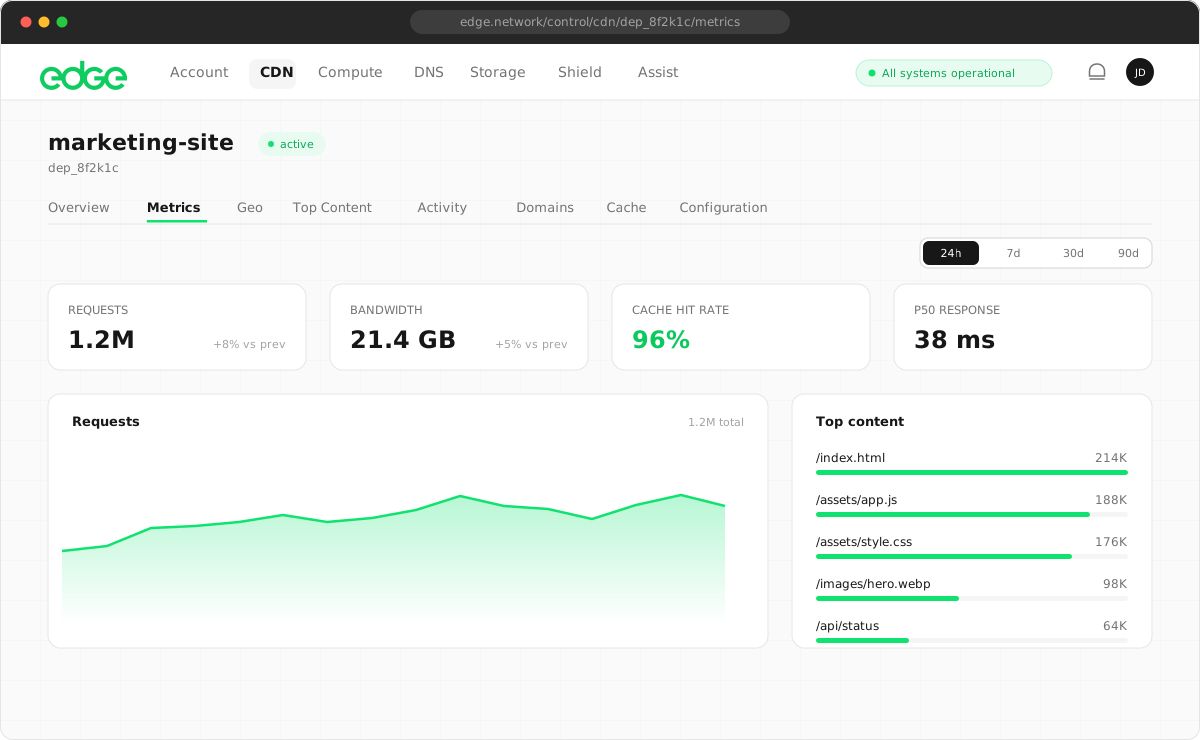
Monitor your cache hit rate in the analytics dashboard. A higher hit rate means more requests are being served from cache, reducing origin load and improving performance.
Set-Cookie response handling#
To protect user privacy and prevent session security issues, Edge CDN automatically detects responses containing Set-Cookie headers and excludes them from caching.
Why this matters#
If a response containing a Set-Cookie header were cached and served to other users, those users would receive cookies intended for someone else. This could cause:
- Session hijacking: users could be logged into another user’s session
- Authentication issues: tokens or session IDs shared between users
- Privacy violations: user-specific preferences exposed to others
- Tracking problems: analytics cookies assigned to the wrong users
How it works#
- Without
Set-Cookie: the response is cached normally at the edge and served to all users requesting the same resource. - With
Set-Cookie: the response is passed through directly to the requesting user without caching. Each request fetches fresh from origin.
Next steps
Something unclear or out of date? Tell us