Deployments
Managing CDN deployments
Deployments are containers for your CDN domains. Learn how to organise and manage them effectively.
On this page6 sections
What is a deployment?#
A CDN deployment is a logical grouping of domains that share configuration and analytics. You might organise deployments by:
- Project: one deployment per website or application
- Environment: separate deployments for staging and production
- Client: if managing multiple clients, one deployment per client
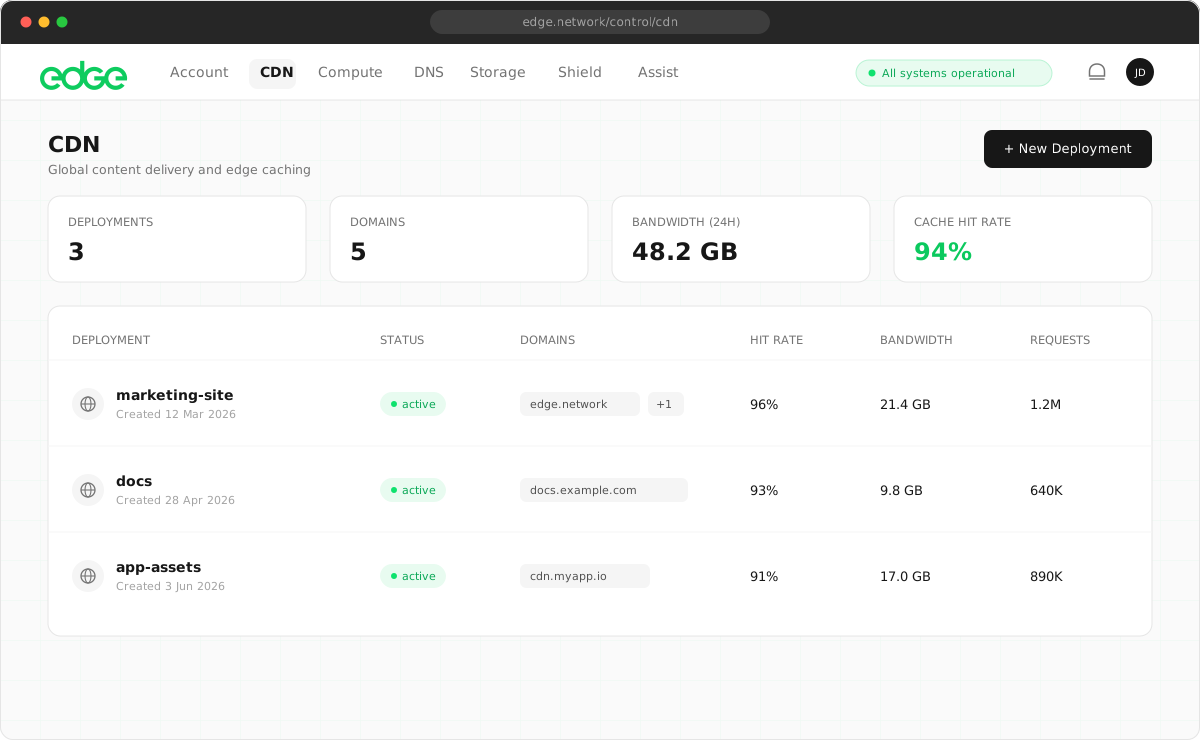
Creating a deployment#
- Navigate to CDN in the main menu.
- Click Deploy CDN.
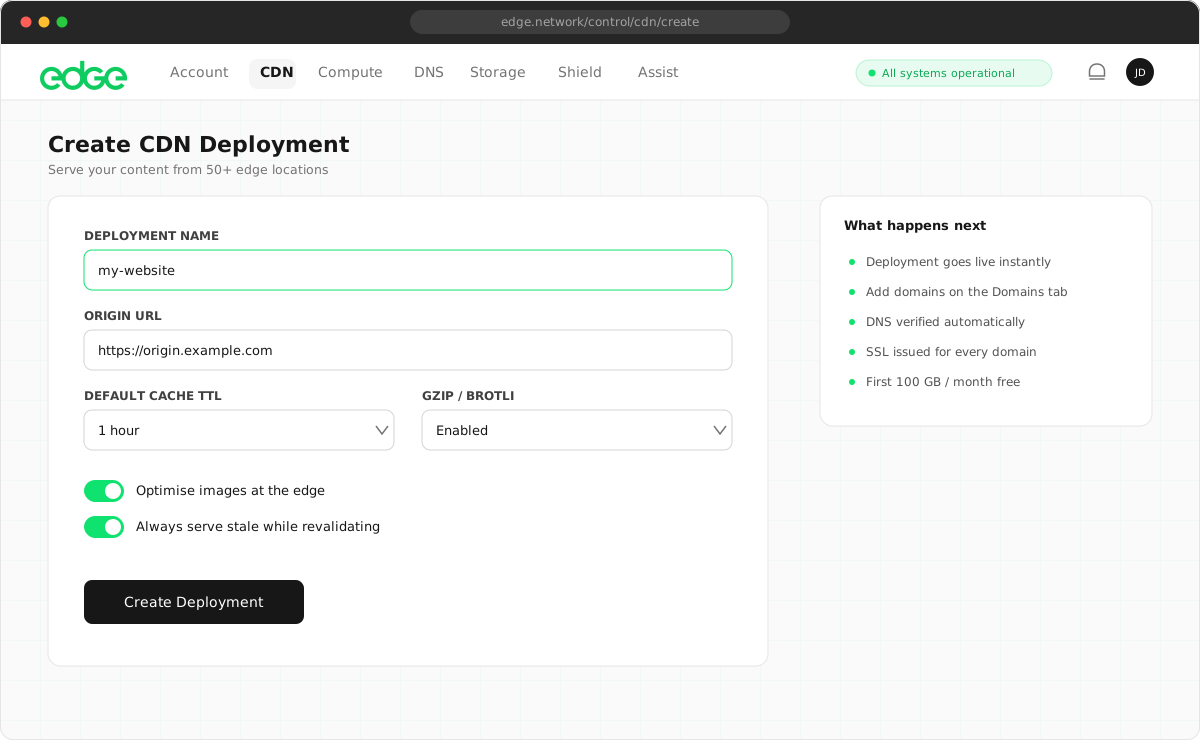
- Enter a descriptive name for your deployment.
- Click Create Deployment.
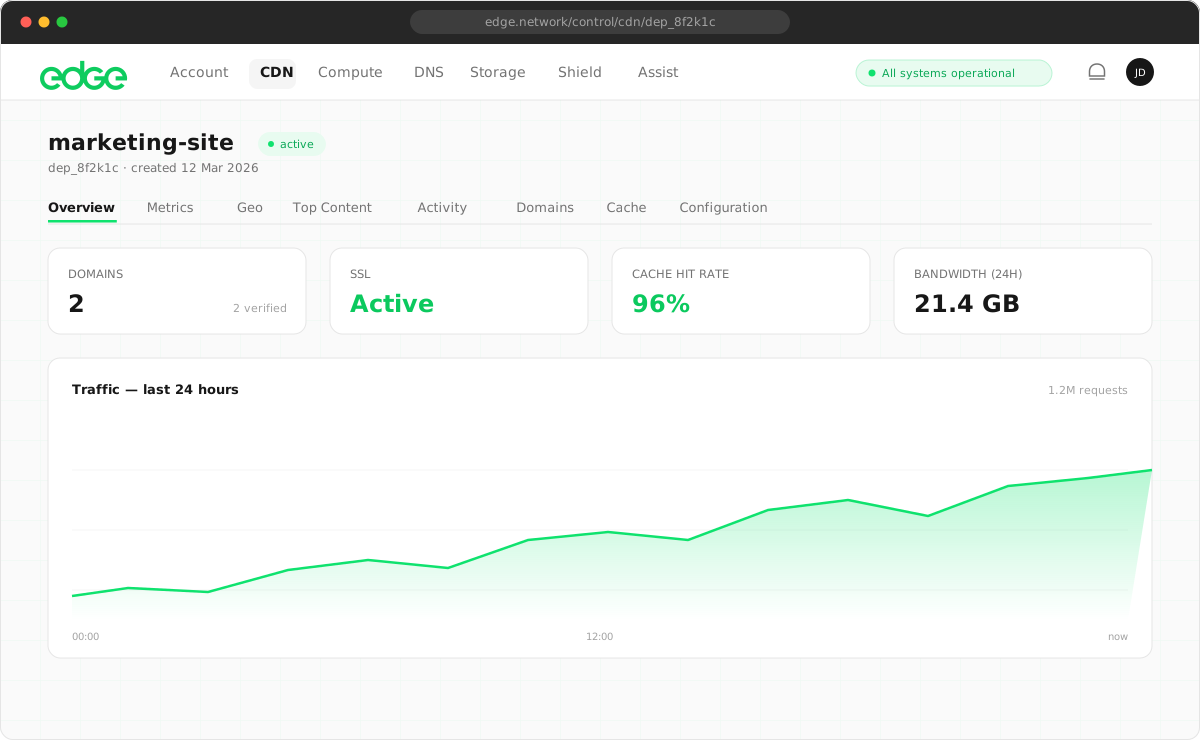
Deployment dashboard#
Each deployment has its own dashboard showing:
- Domains: all domains configured for this deployment
- Cache hit rate: percentage of requests served from cache
- Requests: total requests over the selected time period
- Bandwidth: total data transferred
Deployment status#
Deployments can have the following statuses:
active: the deployment is live and serving trafficprovisioning: the deployment is being set up (usually takes a few seconds)suspended: the deployment has been suspended (contact support)
Deleting a deployment#
When you delete a deployment, all associated domains are removed and traffic stops being served immediately.
- Navigate to the deployment you want to delete.
- Click the Delete button in the top right.
- Confirm the deletion in the modal.
Next steps
Something unclear or out of date? Tell us